General settings
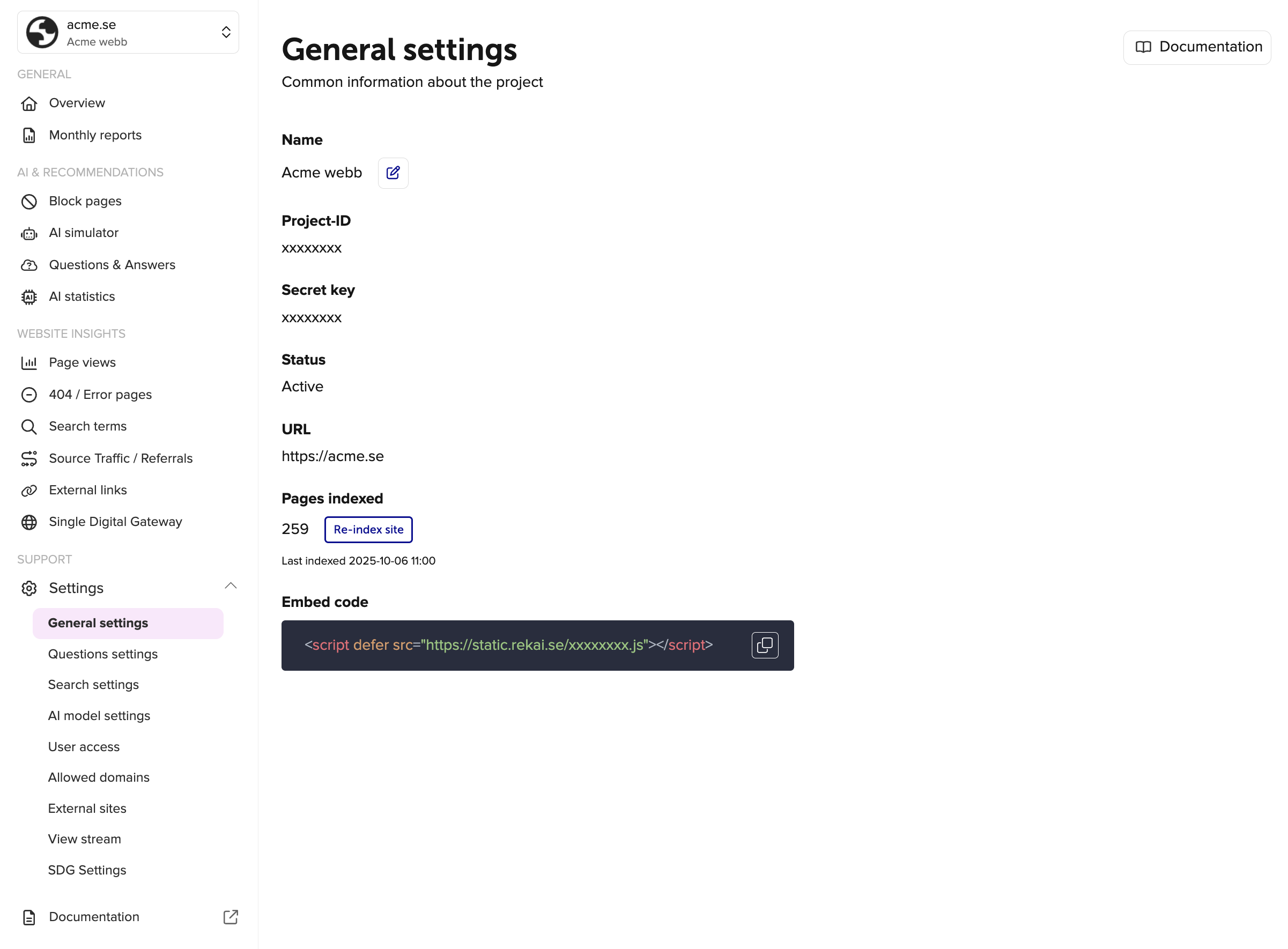
General settings displays the essential information you need to know about your project. Here, you can find your project ID, secret key, and your personal JavaScript code snippet, among other details.
Under the heading "Pages indexed", you can see when the site was last indexed, how many pages were indexed and choose to reindex your site. This can be useful if you’ve made updates to a page’s content or if you’ve added or removed a page and don’t want to wait until the site is automatically reindexed (which happens about twice a day by default).
Signing in to modules with projectid and secret key
To sign in to the Rek.ai modules, you can use your project ID and secret key. These credentials are essential for authenticating your access to the modules and ensuring that you have the necessary permissions to manage your project effectively. Make sure to keep your secret key secure and do not share it with unauthorized individuals, as it grants access to your project's data and settings. The projectid and secret is found in the general settings page, and you can copy them to your clipboard by clicking the copy icon next to each field.